A Gazebo Simulation Environment aiming Quick Data Collection for Object Detection
For 2024Fall EE211 Course Project
Last Update: 2024-11-25
Usage
Download wall_with_pic, extract it then copy
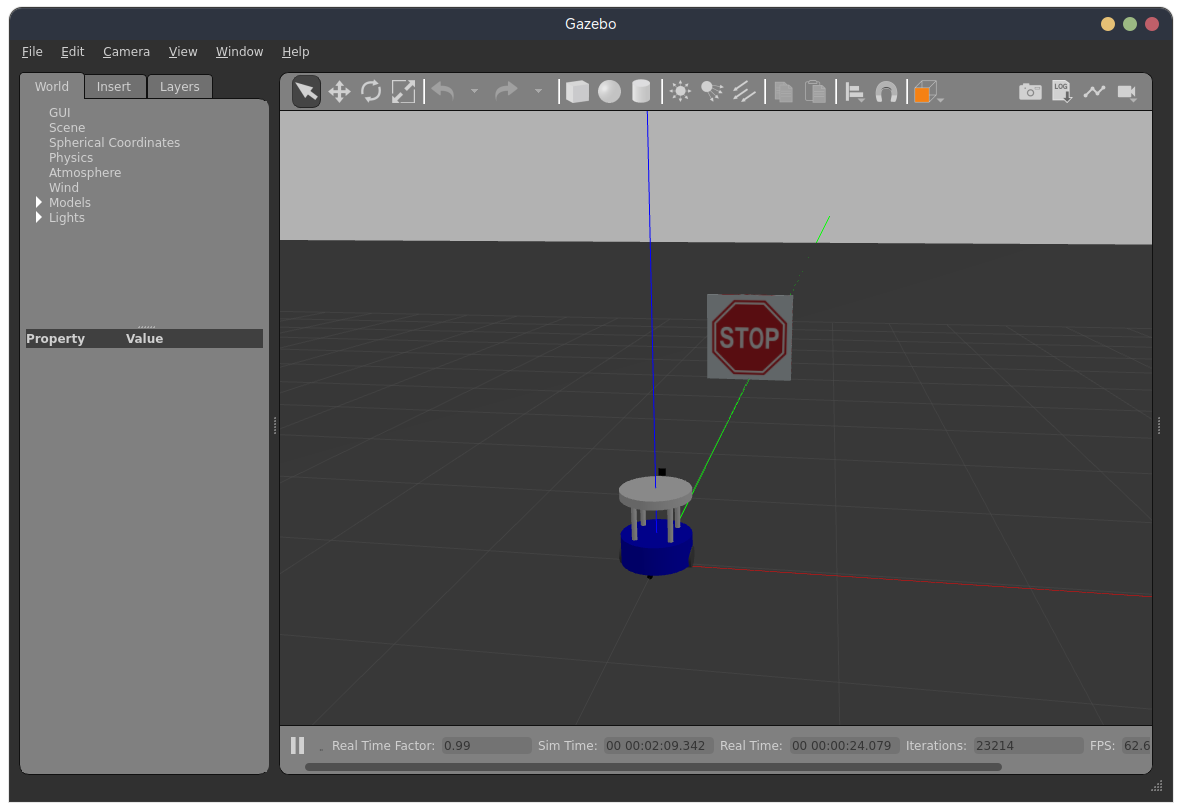
wall_with_picfolder to/usr/share/gazebo-11/models/ros2 launch detection_in_gazebo gazebo.launch.py: Launch Gazebo Environment, then you can publish to topiccmd_velto control the robot, subscribe/camera/image_rawto obtain the camera image
An Useful script for image collection:
cd to
<path_to_detection_in_gazebo>/detection_in_gazebo/, runpython3 image_capture.py, which will gives you an UI interface, presssto save current image,qto quit.For a quick check for the camera image, run
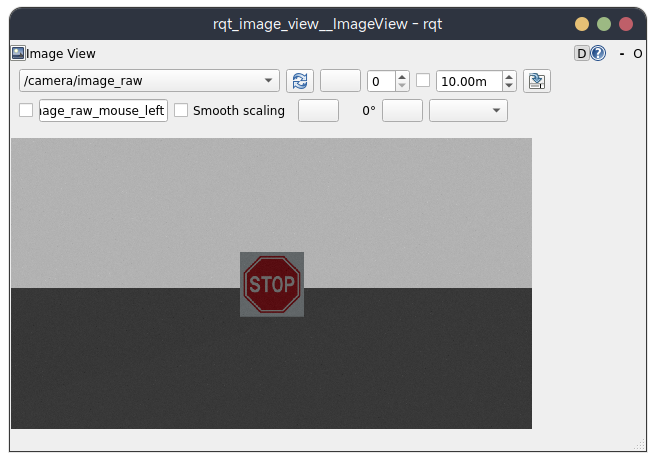
ros2 run rqt_image_view rqt_image_view.