Lab Session Week-07 – “Introduce OpenCV”
Last Update: 2024-10-21
0. Setup VSCode for ROS Developing
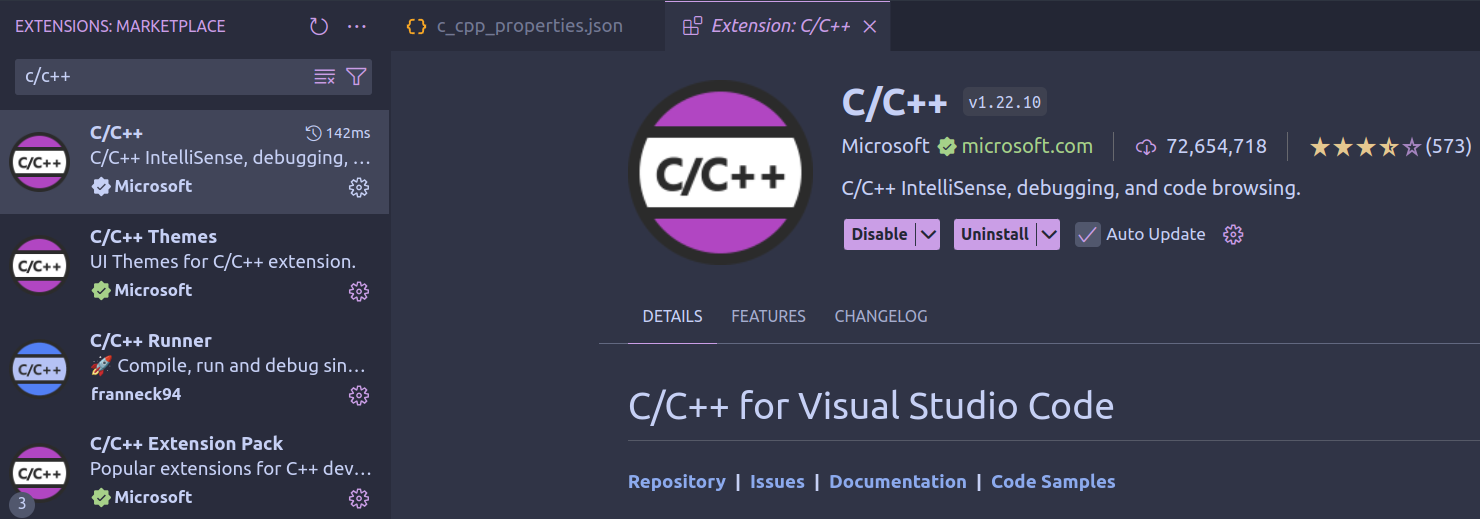
- Make sure you installe the
C/C++extension:
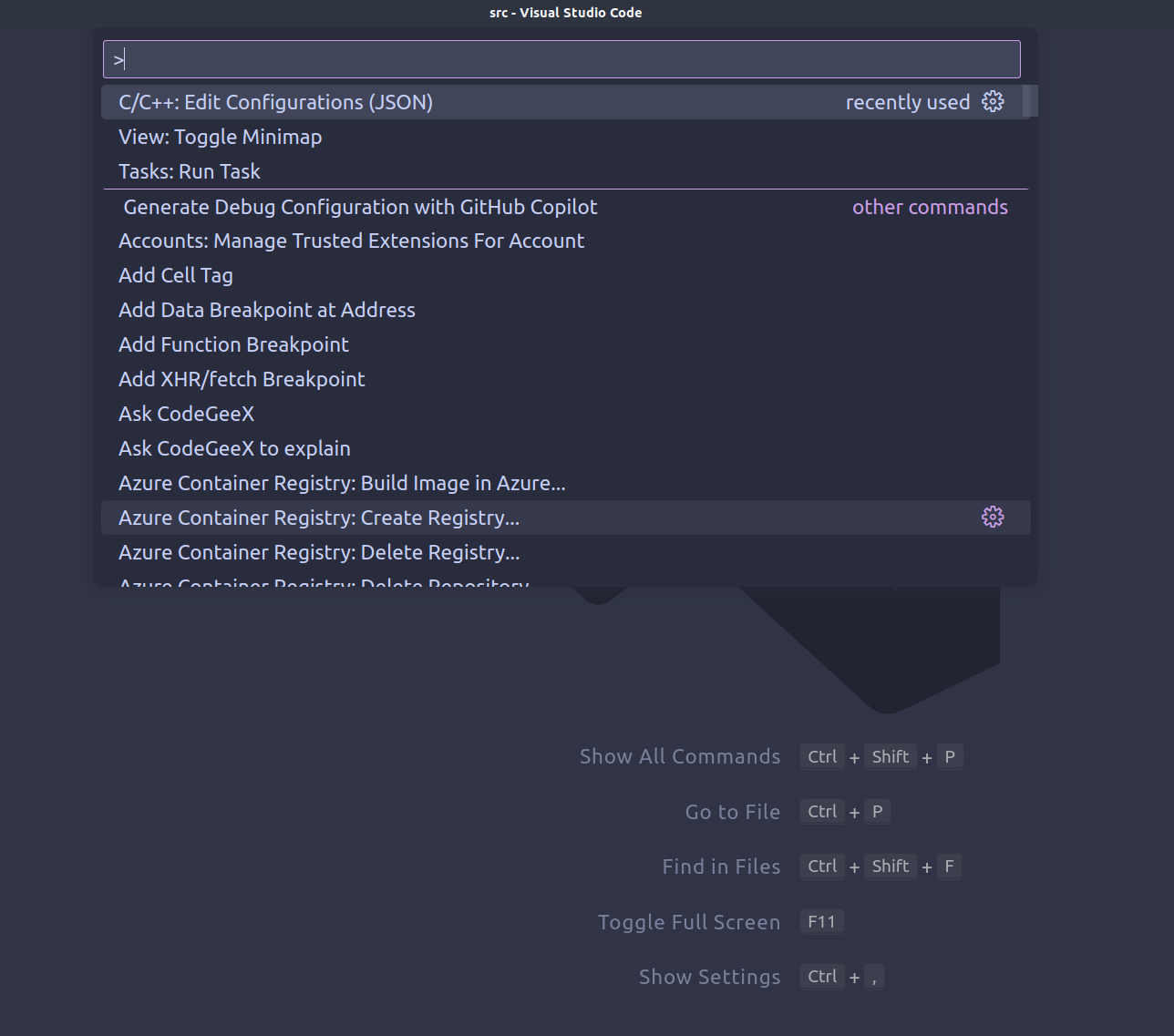
ctrl+shift+pto open vscode control panel,clickC/C++: Edit Configurations (JSON), then a folder named.vscodewill be generated.
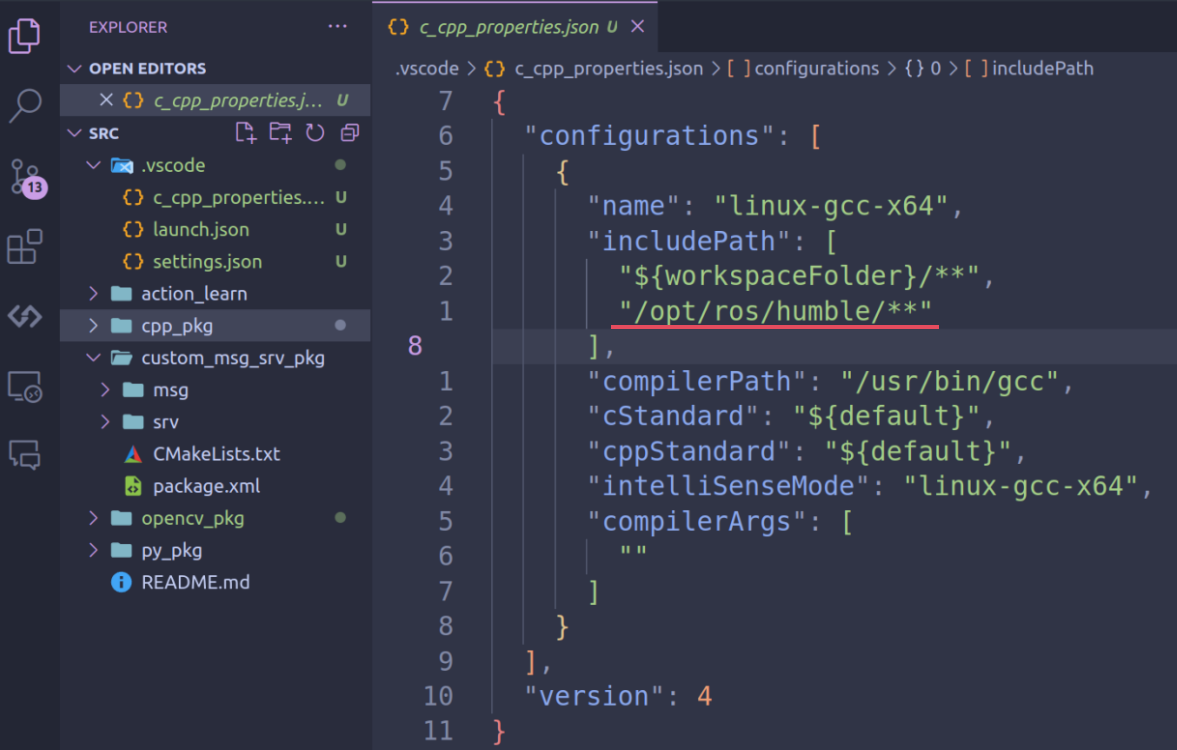
- open
.vscode/c_cpp_properties.json, add ROS Path in theincludePathsection; Then you can enjoy the ROS code completion with vscode!
1. Basci API and Useful Scripts
Download the code materials and explore the provided codes in
introduce_opencvfolder by yourself
2. Integrate OpenCV to ROS2
Place the
opencv_pkgin the provided code materials into a ROS2 colcon workspace, then build the workspace, explore codes inopencv_pkg